AI Image Upscaler
Use this professional AI image upscaler to turn small photos, product shots, and artwork into sharp 4K images with a single upload.
Upscale an imageCreate 4K Images with our AI Image Upscaler
Enlarge images for product galleries and social posts using this 4K AI image upscaler while keeping details sharp.
- Fast mode for everyday image upscale work
- Pro mode for 4K output using our 4k image upscaler
- Our AI image upscaler is useful for web, print, and design
 Before
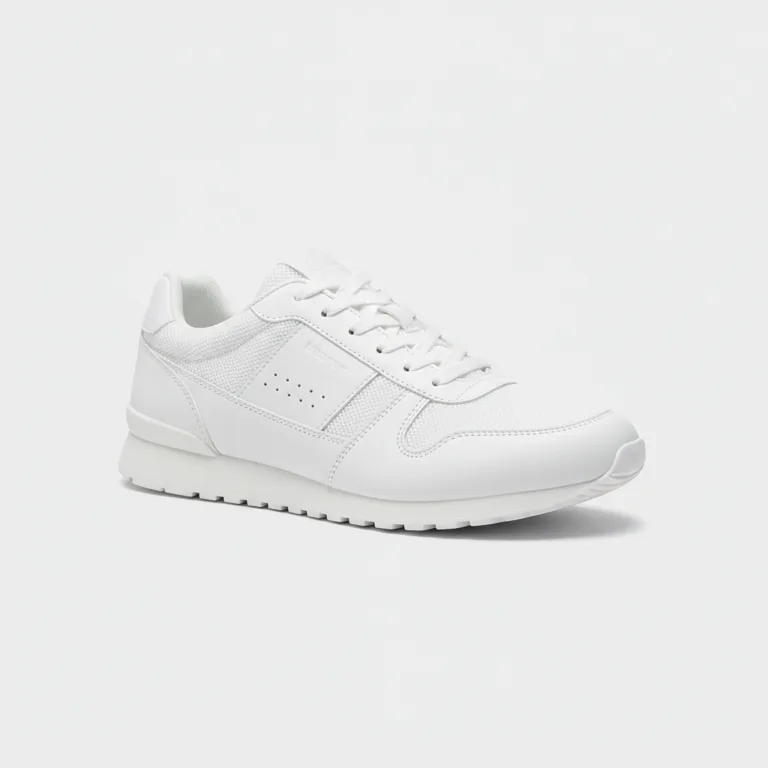 After
AfterE-commerce product
blurry product photo → sharp 4K
Detail Recovery via AI Image Upscaler
Our AI image upscaler analyzes low-res files to rebuild believable texture and recover fine photo details.
- Improves low-resolution photos, scans, and screenshots
- Reduces the soft look caused by simple resizing
- Keeps portraits, products, and artwork visually consistent
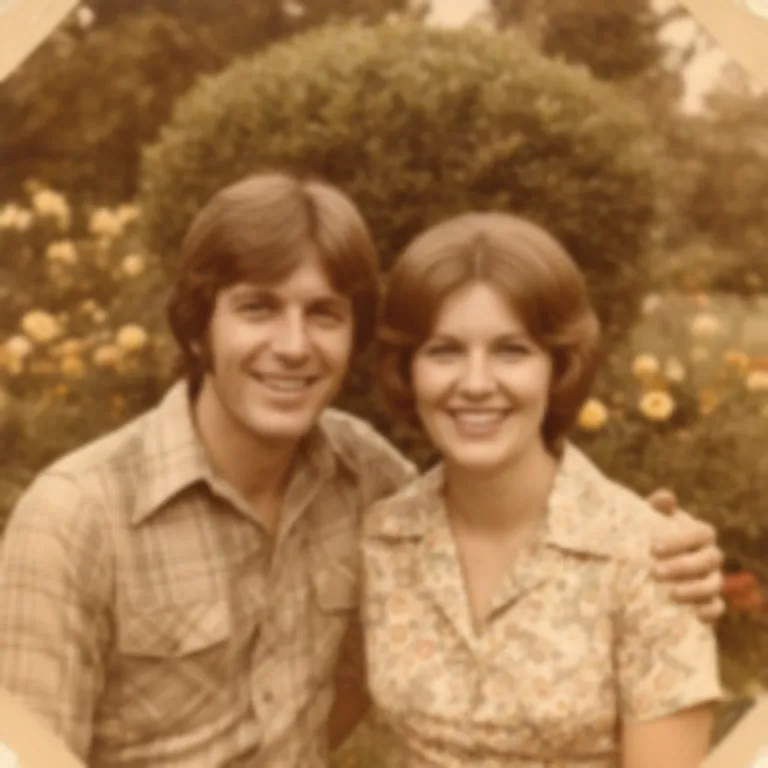 Before
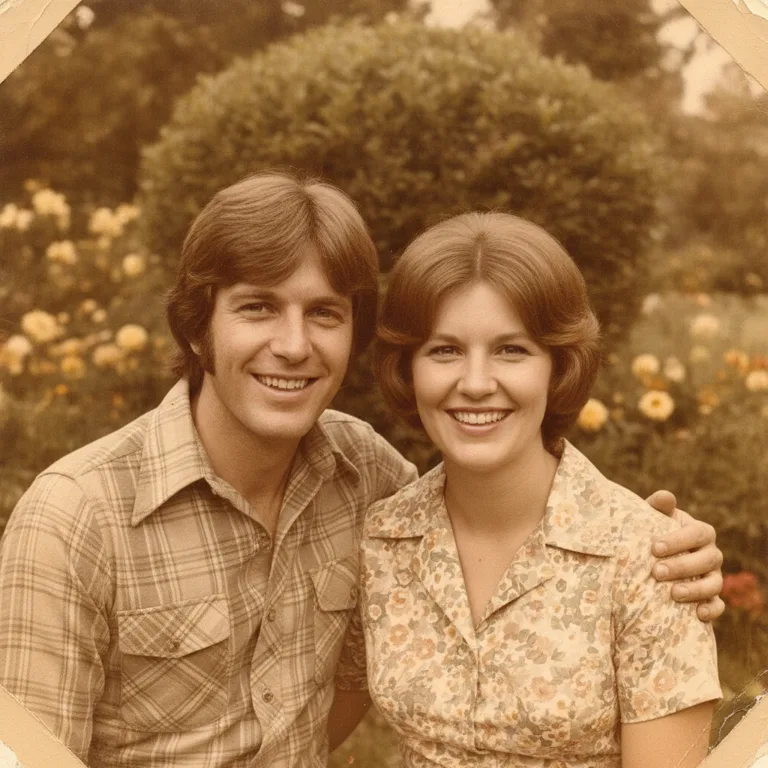 After
AfterOld photo restore
low-res memory → enhanced print
Upload Formats to AI Image Upscaler
Upload JPG, PNG, or WebP files to our AI image upscaler and prepare a high-resolution 4K version.
- JPG, PNG, and WebP supported
- Works with portraits, product shots, artwork, and documents
- An AI image upscaler lets you increase resolution of old files
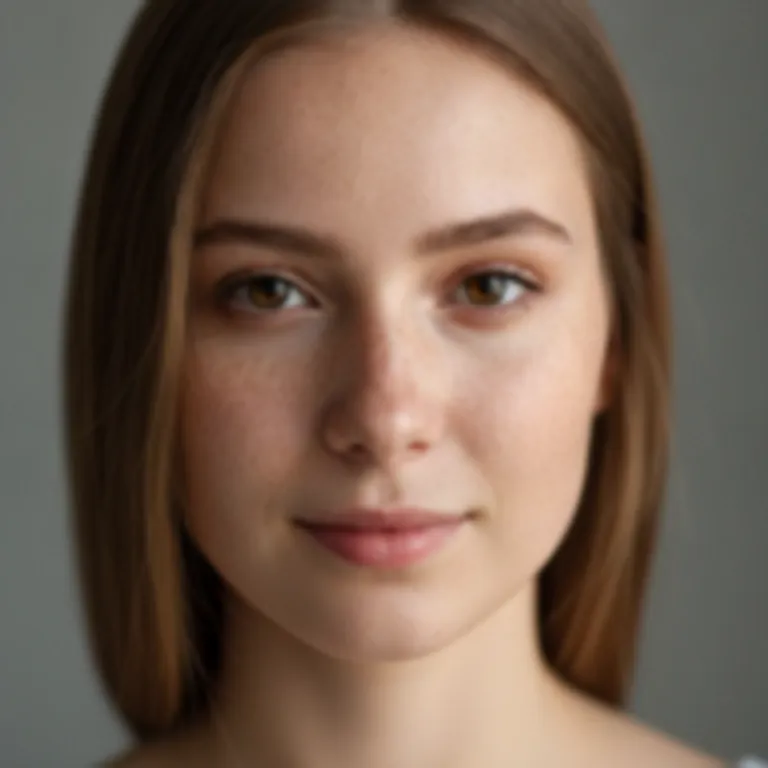 Before
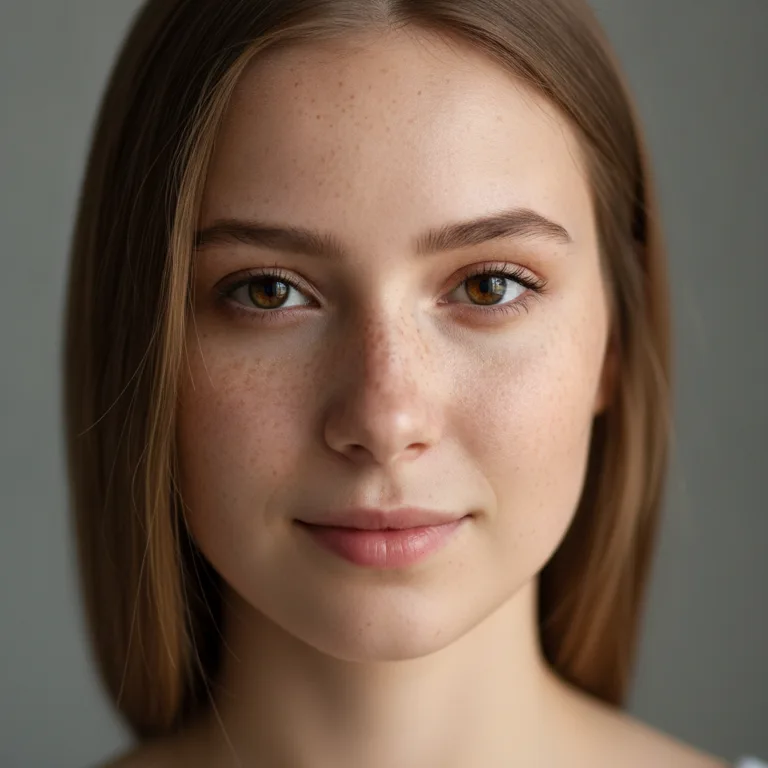 After
AfterPortrait / social
pixelated portrait → clean HD
Fast Preview in AI Image Upscaler
Compare your original input with your upscaled result in the preview panel before downloading your final 4K image.
- Before-and-after preview in the generator
- Clear credit display before generation
- Download the finished high-resolution image from our AI image upscaler
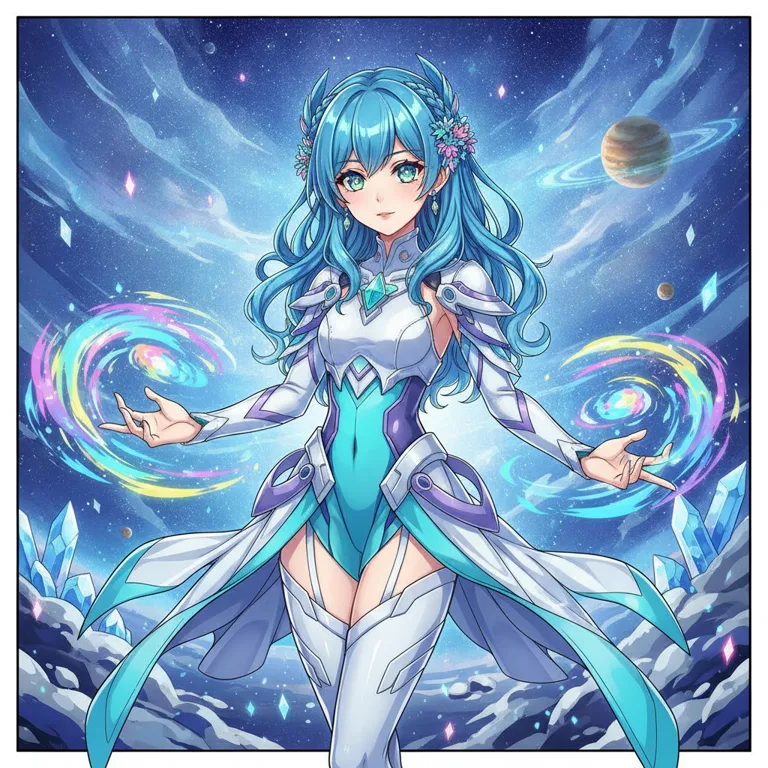
BeforeAfterAnime & artwork
soft line art → crisp illustration
Image Upscale for Everyday Creative Work
Apply our professional AI image upscaler to improve product shots, family pictures, anime art, and screenshots.
E-commerce with AI Image Upscaler
Turn low-res product photos into sharp assets with our AI image upscaler. This helps show materials, labels, and product edges.
Restore old photos with AI Image Upscaler
Restore scanned family photos using our AI image upscaler. This is perfect for blurry, compressed, or small pictures.
Social & portraits with AI Image Upscaler
Sharpen profile photos with our AI image upscaler. It keeps identity, face shape, and hair texture natural.
Print & posters with AI Image Upscaler
Prepare small files for printing with our AI image upscaler. It gives designers more high-resolution pixels to place.
Anime & artwork with AI Image Upscaler
Enhance anime art with our AI image upscaler. This keeps illustration line work and color fields clean at 4K.
Screenshots with AI Image Upscaler
Improve screenshots and charts with our AI image upscaler. Sharper edges make thin text easy to read.
How to Upscale an Image in 3 Steps
Our online AI image upscaler makes upscaling simple: select a model, start the generator, and download your 4K image.
Input Prompts or Upload to AI Image Upscaler
Describe details in text or upload an image as a visual reference for the image upscaler.
Select Parameters in AI Image Upscaler
Set the output resolution, aspect ratio, and model tier in the AI image upscaler.
Generate and Download from AI Image Upscaler
Click the upscale button, wait, and download your high-definition image.
What Creators Say About our AI Image Upscaler
Creators, stores, and designers use our AI image upscaler to turn small source files into sharper images for real production work.
Linda Wu
E-commerce Manager
“We can rescue supplier photos with this AI image upscaler and still publish clean product images.”
Marcus Rivera
Brand Designer
“The image upscaler keeps edges and texture usable when I need to reuse a client image in a larger layout.”
Emma Zhang
Social Media Manager
“The image upscaler is useful for old campaign assets that were too small for modern social templates and thumbnails.”
David Park
Game Artist
“Anime and concept art upscale beautifully with this AI image upscaler, letting us review ideas on larger screens.”
Sarah Jenkins
Content Creator
“This portrait upscaler keeps faces sharp without looking like a different person, which matters for profile content.”
Aisha Patel
UX Designer
“The upscaler makes low-resolution screenshots much easier to use in decks and product documentation.”
Image Upscaler FAQ
What is an AI image upscaler?
An AI image upscaler increases an image's resolution and rebuilds fine detail. This AI image upscaler is also known as a photo upscaler or picture upscaler, commonly used for low-resolution photos and designs.
How do I use this AI image upscaler for 4K?
Upload a file to the AI image upscaler, choose the model tier, and download the final image. Use the 4k image upscaler pro mode when you need a larger file for print, product listings, or high-resolution creative work.
Can I enlarge an image with this AI image upscaler?
Yes, this AI image upscaler can produce a cleaner result than traditional resizing by predicting details and sharpening edges. It predicts detail and sharpens edges on our page.
Is the AI image upscaler free?
You can try the AI image upscaler from the page and see the required credits before generation. Choose the fast mode to upscale image free, while Pro mode uses Nano Banana Pro for higher-resolution output.
What formats does the AI image upscaler support?
Our AI image upscaler supports JPG, PNG, and WebP. This tool accepts source images up to about 4096px.
Does the AI image upscaler work for anime?
Yes, this AI image upscaler is perfect for anime. It keeps illustration line work and smooth colors clean.
Can I enlarge images for printing in the AI image upscaler?
Yes, this online upscaler can help when a source file is too small. It gives designers a larger image in our workflow.
What's the difference between the upscaler and an image enhancer?
An AI image upscaler focuses on resolution, edges, and fine detail. An image enhancer usually focuses on exposure, color, contrast, noise, and overall appearance. Many real workflows use both in your workflow.
Will my uploaded images stay private?
We process uploads privately for your generation task. Avoid uploading private IDs.
How much can I enlarge in the AI image upscaler?
Our AI image upscaler offers a Fast option and a Pro option. Choose the smallest setting to match your layout.
Does the AI image upscaler work on screenshots?
It can improve screenshots and diagrams. Sharper text makes annotations easier to read.
Should I choose Fast or Pro in the AI image upscaler?
We offer Fast for web and Pro when details matter.
Why does the AI image upscaler result look different?
This AI image upscaler rebuilds detail rather than copying pixels. The system ensures a sharper version of the same image.
What makes a good source in the AI image upscaler?
For the best upscale results, use clean files. Clear edges upscale better.
Can I use the AI image upscaler for commercial projects?
Many users prepare product images with this tool. Check your licensing before using the results.
More from Reve 2.0
Try the Best AI Image Upscaler — Free
Upload any low-resolution photo or product shot to our free AI image upscaler and get a sharp, high-resolution 4K file now.